
Photo evidence for rental cars
Sixty seconds at pickup. Proof at return.
RentalGenie walks you around the car at pickup and again at return — every angle, every wheel, every reading — then pairs the two sets so new damage shows exactly what changed. You drive. We remember the paint.
Free to use. No account needed to capture. Nothing leaves your device until you choose cloud preservation.
 FRONT · 3 OF 5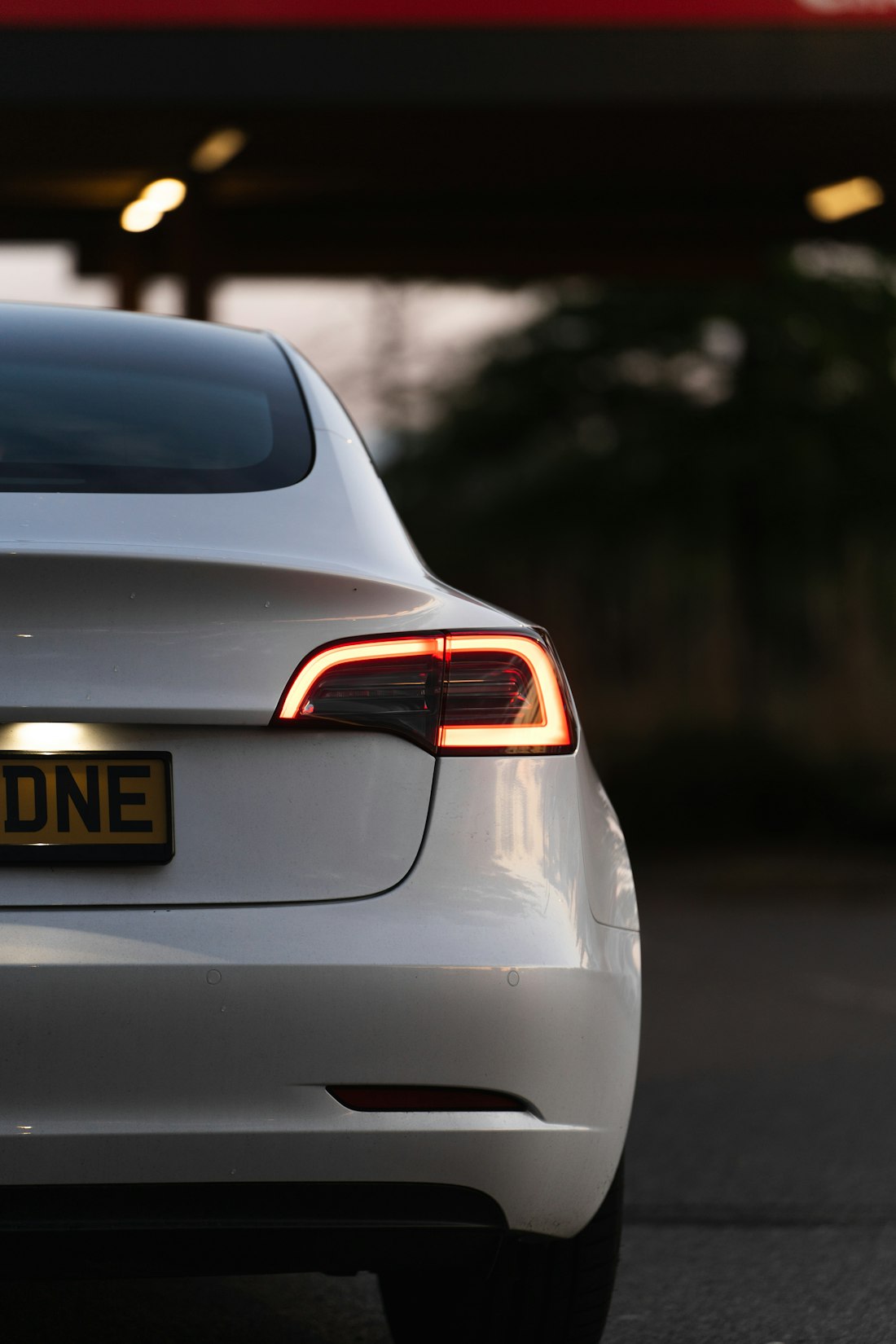

How it works
The whole car, in the right order — in about sixty seconds.
Create the rental
Choose Car/SUV or Van. Company, plate, reference and dates are optional.
Follow the guided scan
Use simple angle guides at pickup and return. Each original is saved before you continue.
Preserve and compare
Choose cloud preservation for a verified copy, receipt, report and archive; compare return photos by slot.
Capture works offline
Two places. Two honest labels. No fuzzy middle.
On this device
Capture works offlineAfter the first successful load, create rentals, capture originals, use retained pickup references and compare available images without a connection. Browser storage can still be cleared or evicted.
In RentalGenie cloud
Cloud only with consentOnly after your explicit action, originals and the disclosed manifest upload in a visible foreground queue. Reports, archives, server receipts and remote restore require connectivity.

The important areas, in a sensible order
The important areas, in a sensible order.
A timestamp with an exact, limited meaning
A timestamp with an exact, limited meaning
After the service validates the manifest and original digests, it signs a receipt recording that those bytes reached RentalGenie no later than the server time.
€4.99 · In RentalGenie cloud
| The important areas, in a sensible order | On this device | In RentalGenie cloud |
|---|---|---|
| Follow the guided scan | ✓ | ✓ |
| Preserve and compare | ✓ | ✓ |
| A timestamp with an exact, limited meaning | — | ✓ |
| Pickup and return, paired by angle | ✓ | ✓ |
Straight answers
Questions people actually ask.
Does capture work offline?
Yes, after the app has loaded successfully once. Capture and local staging work offline; cloud services do not.
Can browser storage disappear?
Yes. Persistent-storage permission reduces risk but is not a permanent backup. Cloud preservation is recommended.
Are photos uploaded automatically?
No. Evidence leaves the device only after you review the disclosure and explicitly start preservation.
How long is cloud evidence kept?
The documented v1 default is 365 days. The app shows the applicable retention date before upload and does not silently shorten an existing promise.
Is the report legal certification?
No. It organizes user-captured evidence and explains the receipt; it is not legal advice, damage assessment, or a guarantee.
Can I delete everything?
You can delete local data separately. Google-authenticated owners can delete remote evidence and outputs.
Ready when the keys are.
Next time you pick up a rental, take sixty seconds first. Your future self — the one at the return desk — will be glad you did.
Start a free inspection